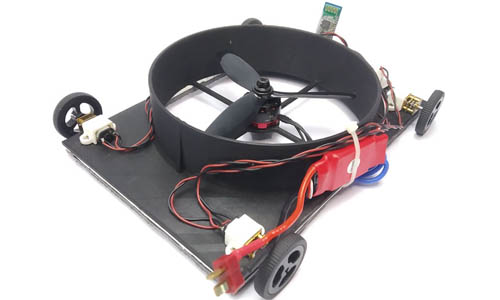
Robotics challenge build
Projects that combine motion planning, structure, and control logic.
The innovation page gives the website a visual layer. It shows what students create through robotics, coding, sensors, fabrication, and prototype experiments.
These visuals give parents and school partners a clearer sense of the types of models, systems, and playful engineering challenges students work on.
Projects that combine motion planning, structure, and control logic.

Interactive builds that respond to changing conditions and triggers.
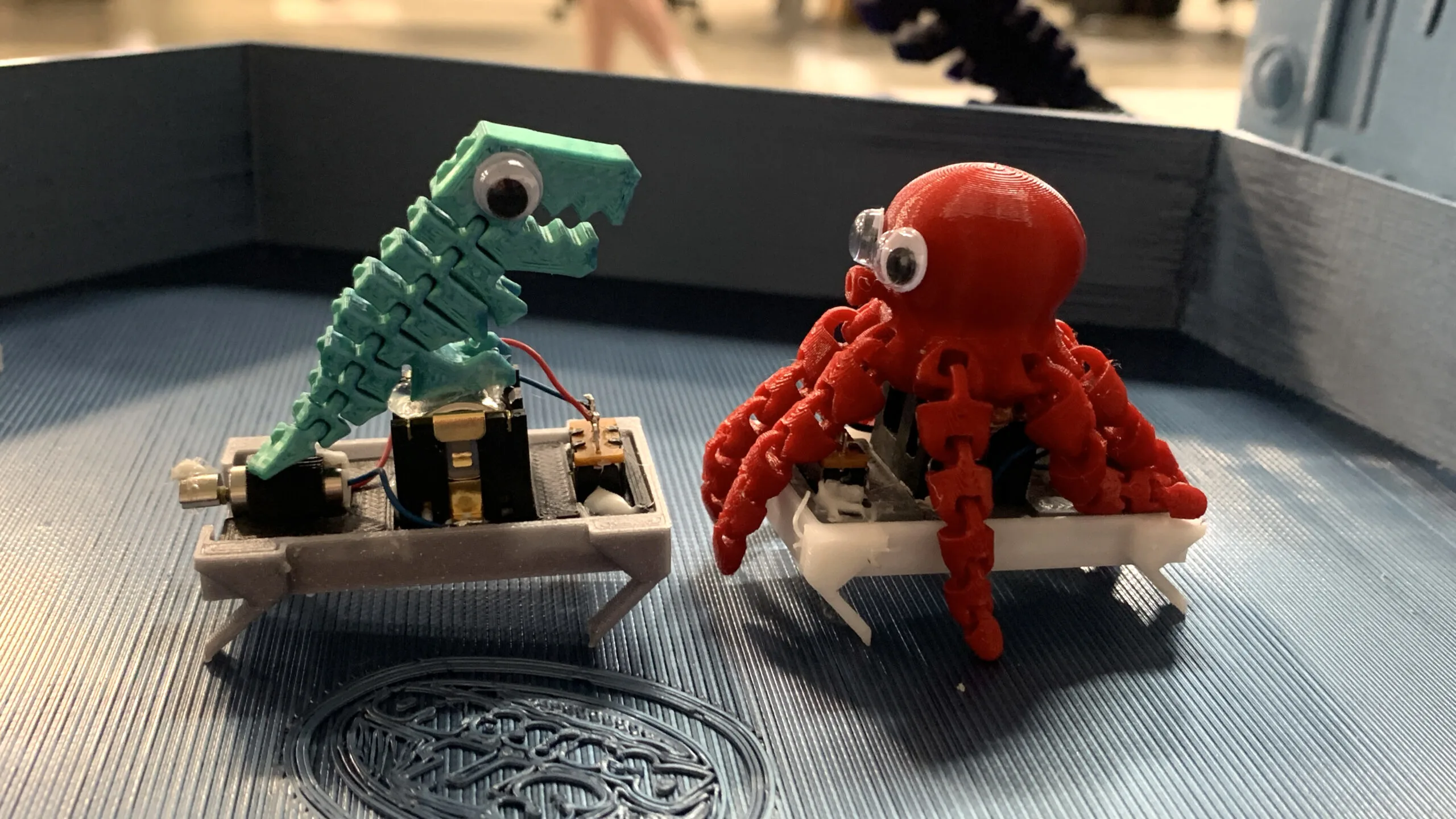
Simple designs turned into physical prototypes for testing and iteration.

Hands-on circuit projects that connect logic with physical response.

Student-made logic projects that strengthen computational confidence.
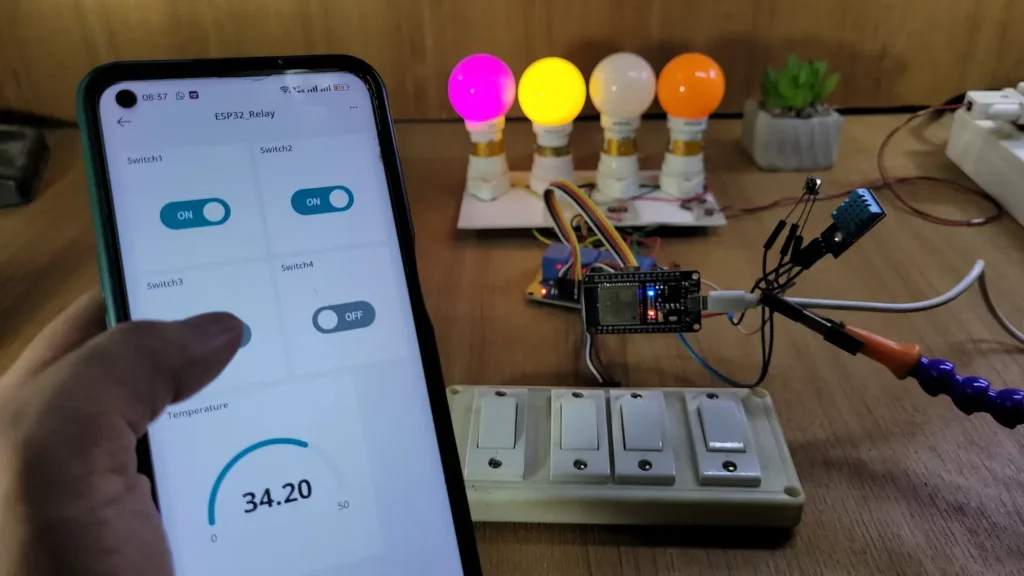
Hardware builds extended into connected applications and live monitoring.
Work is presented in showcases so learners become more articulate about process and outcomes.
Public demonstrationStudents refine builds after testing instead of treating the first version as final.
Prototype mindsetProjects often combine coding, electronics, mechanics, and design in the same workflow.
Integrated learningThese added visuals expand the innovation page further without changing the existing main gallery.
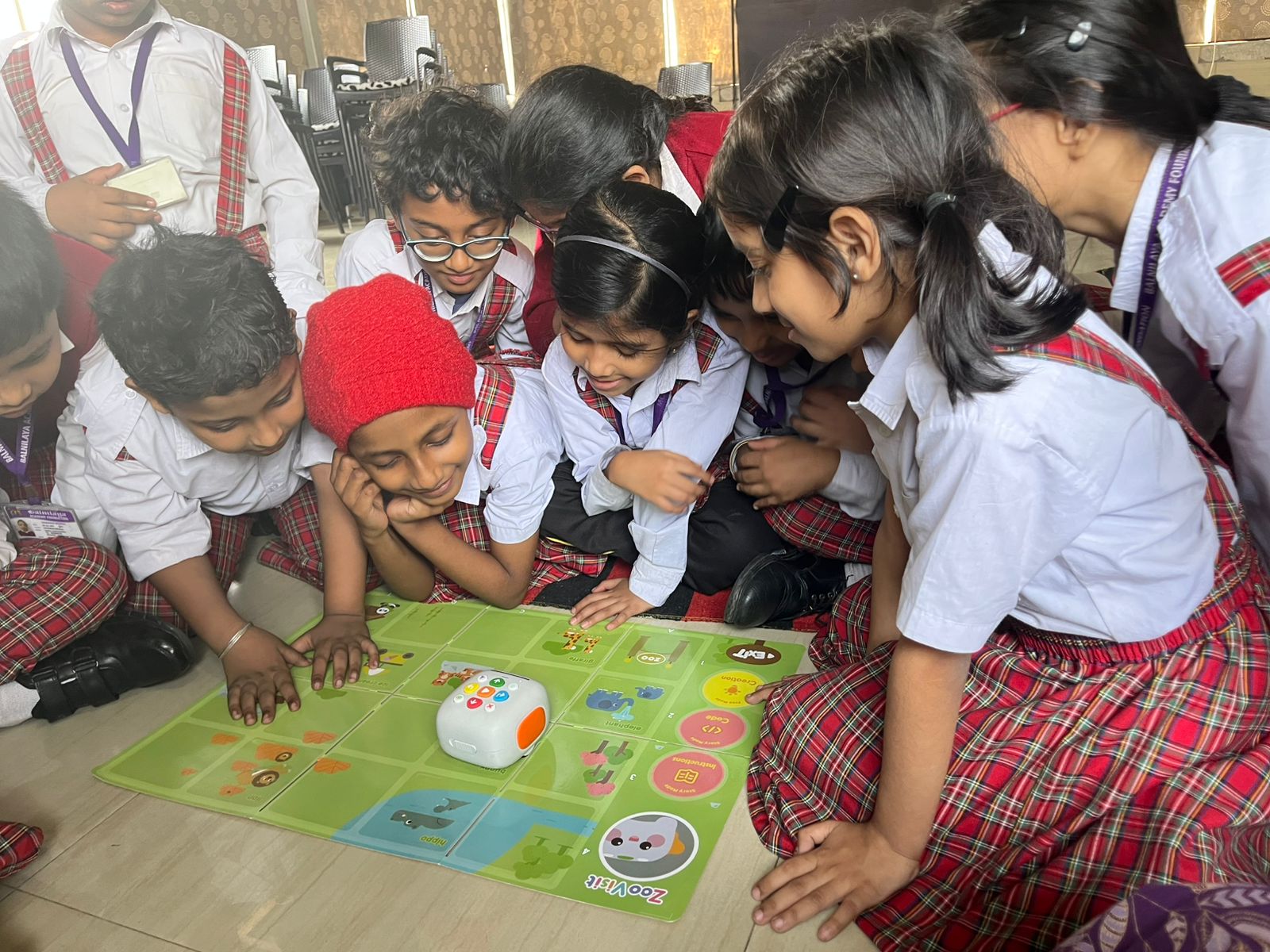
Older learners begin combining structure, control, and intelligent behavior in more ambitious builds.
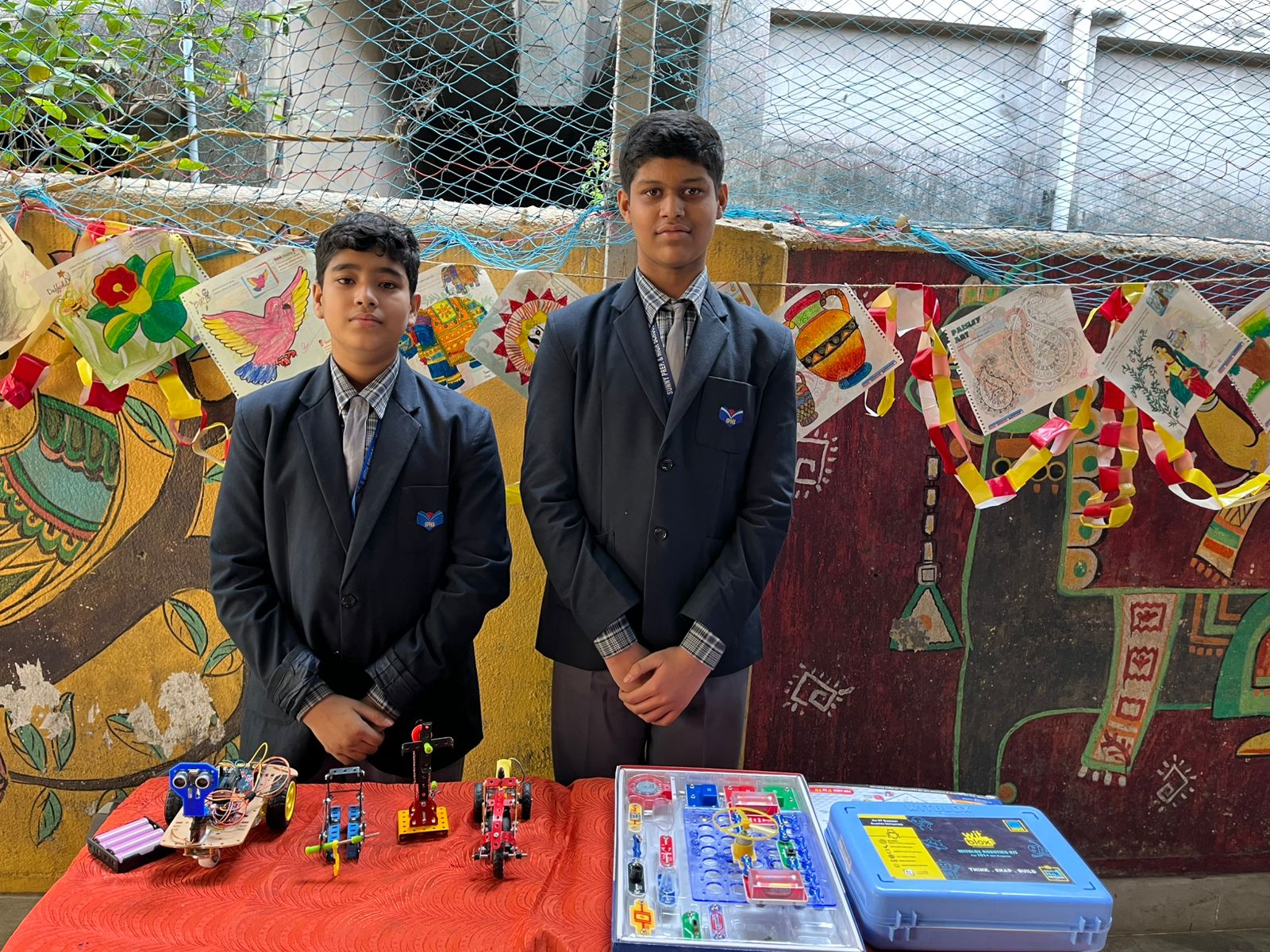
Students test ideas under real constraints, which sharpens both design thinking and resilience.
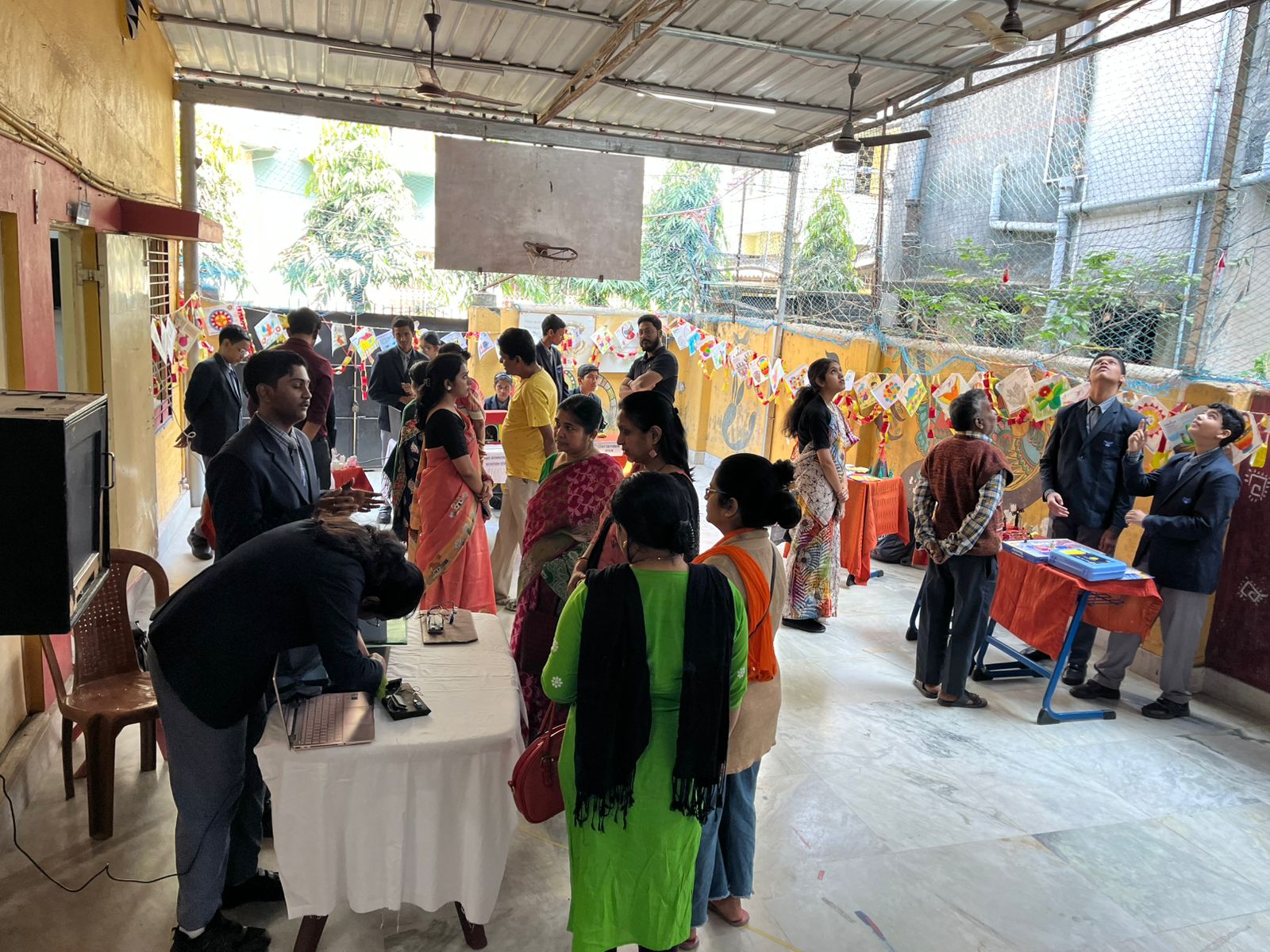
Public demos help learners explain their thinking and take pride in what they create.
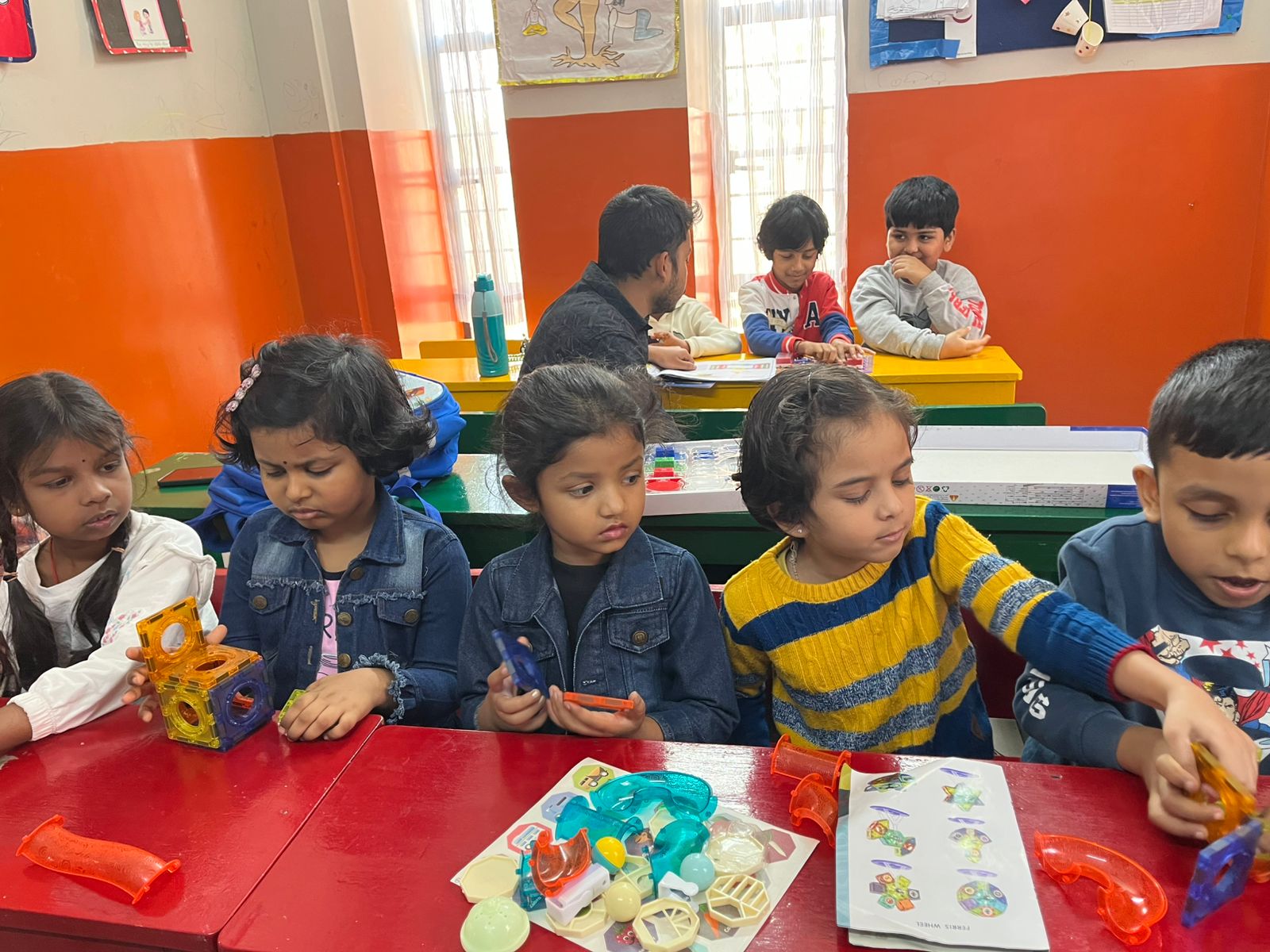
Rapid build-and-review cycles help students see mistakes as part of the engineering process.